
Always know
What To Share
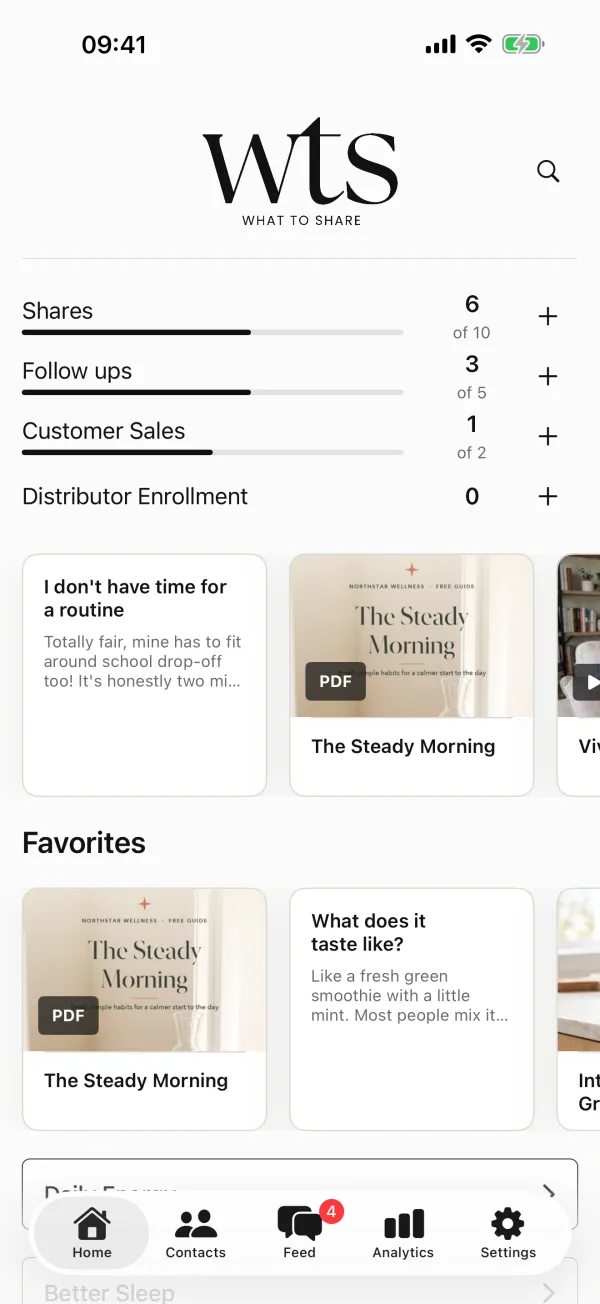
Your team's best messages, videos and guides for prospects, one tap away in the app and right in your keyboard, and you see which shares were opened.


Got an invite link from your team? Open it on your phone.
A look inside
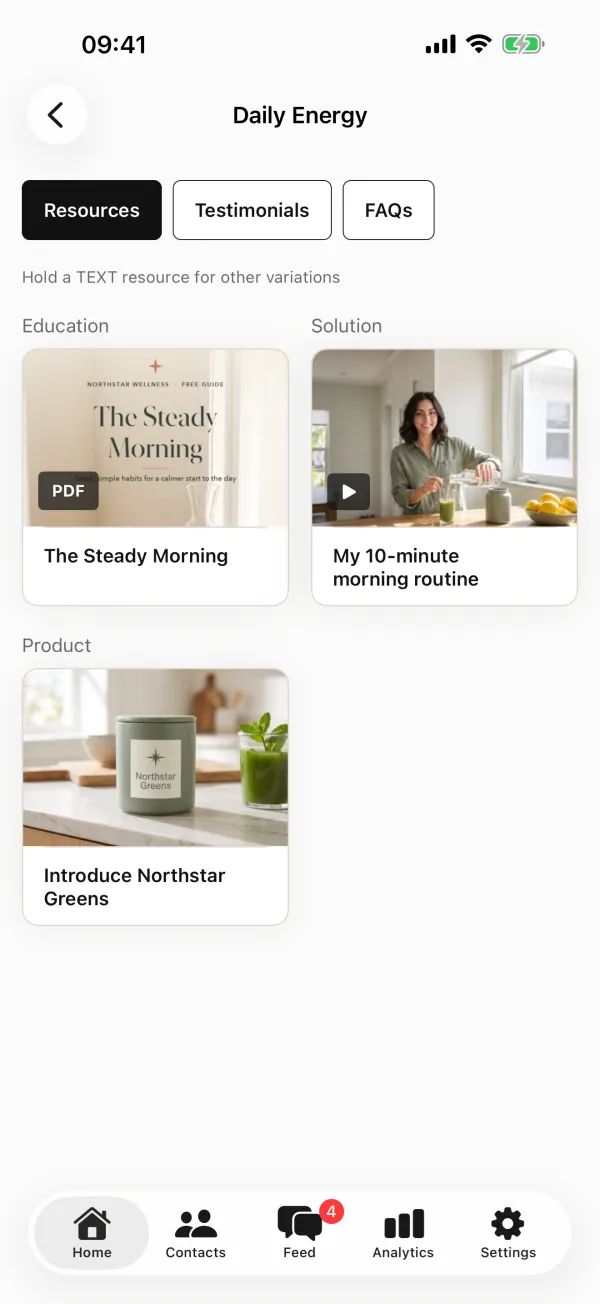
Library
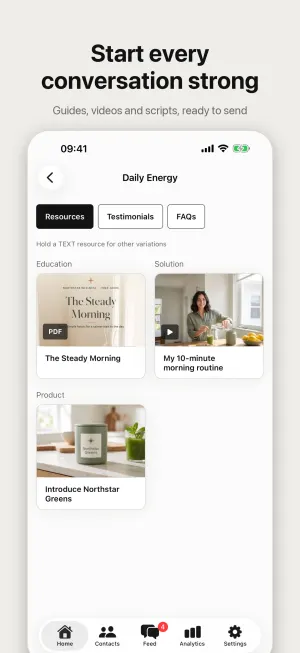
Your team's best, in one place
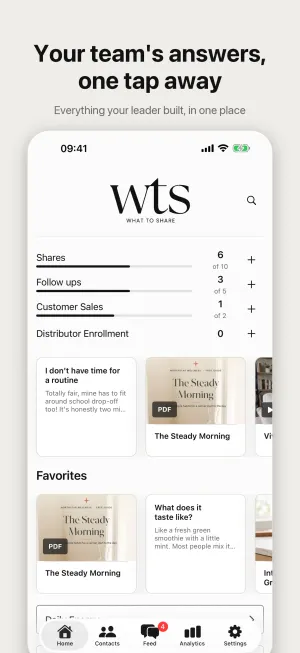
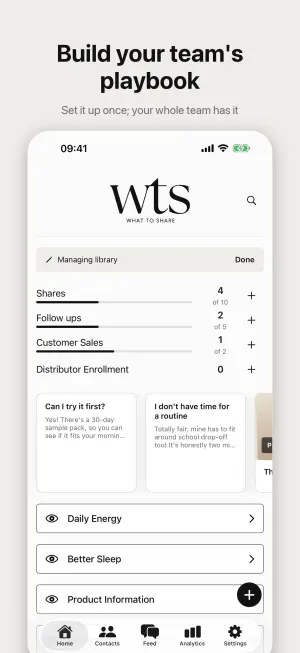
Your team leader builds the library once: scripts, testimonial videos, product guides, PDFs and links, organized by what the person you're talking to needs. Update a script and every phone on the team has it.
Keyboard
Share from any conversation
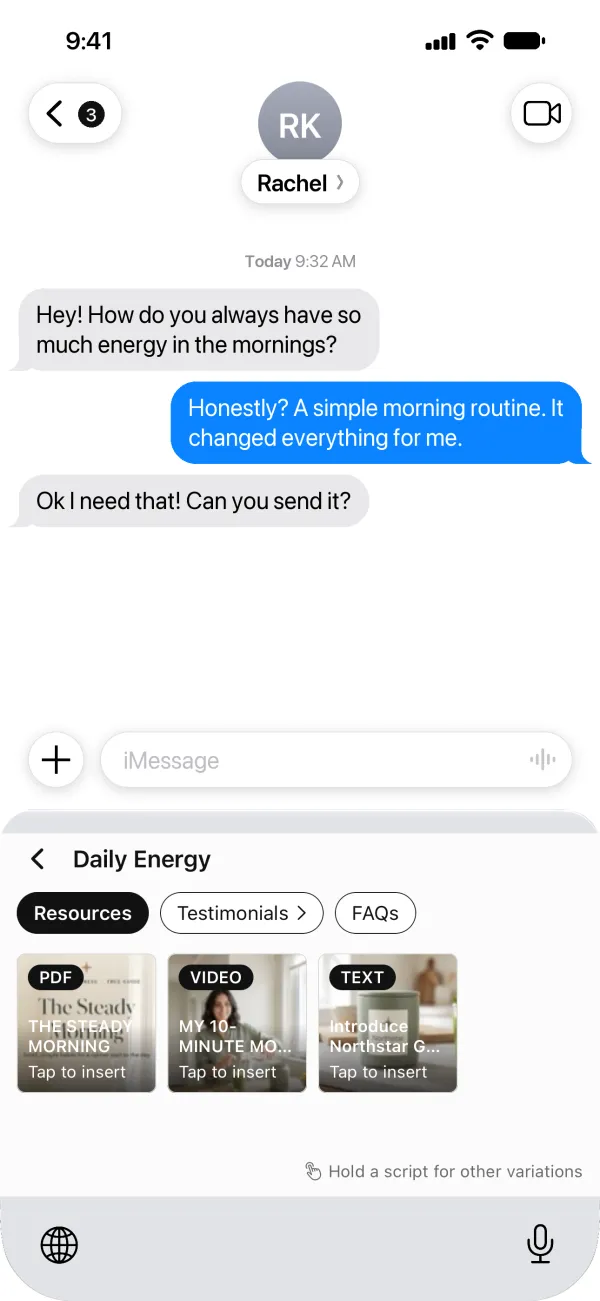
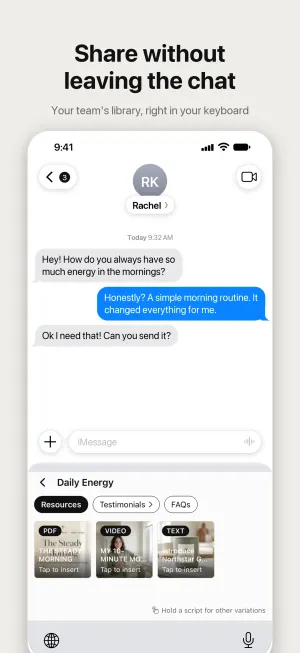
The WTS keyboard brings your library into Messages, Instagram, Facebook and anywhere else you type. Find it, tap it, send it, without leaving the chat.
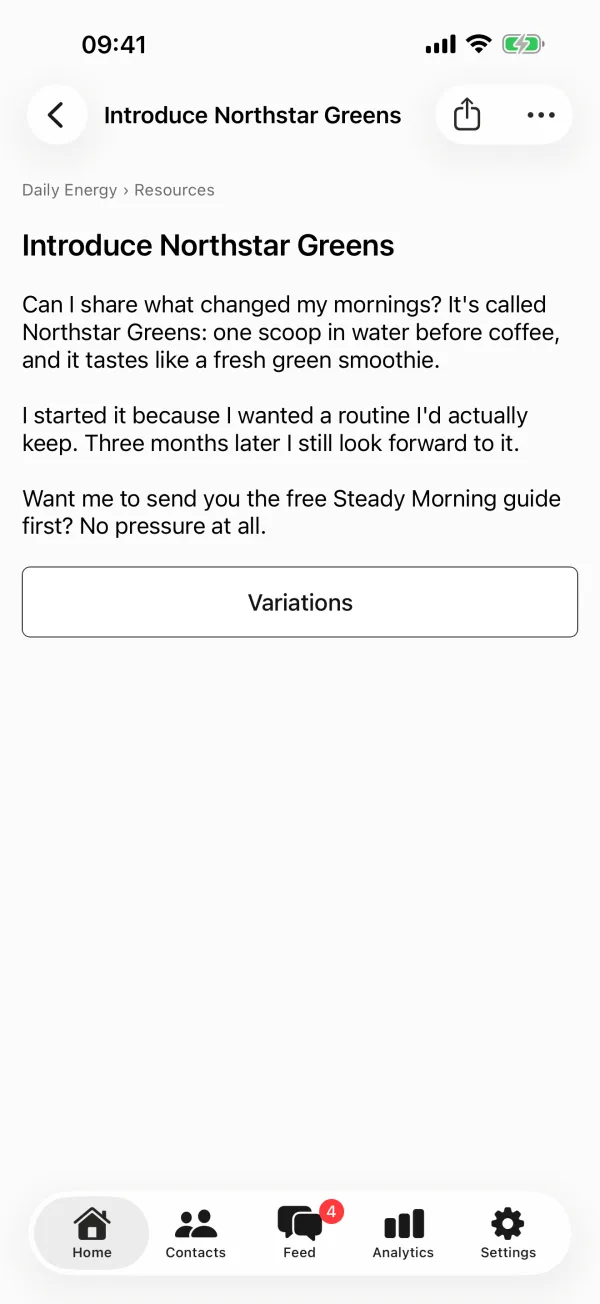
Scripts
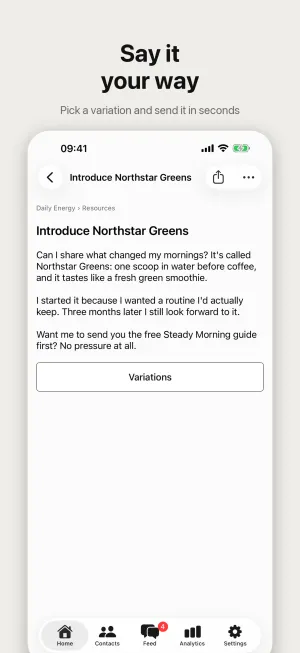
Say it your way
Pick from several versions of a message, add the person's name, and send it in seconds.
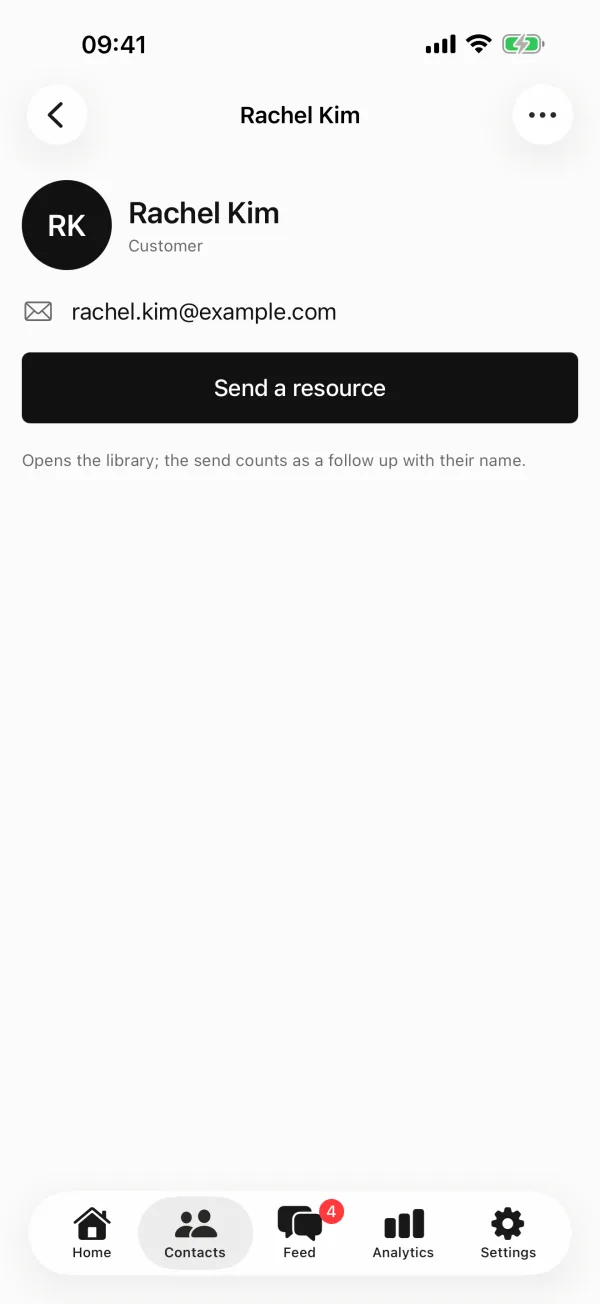
Links and follow ups
See what landed
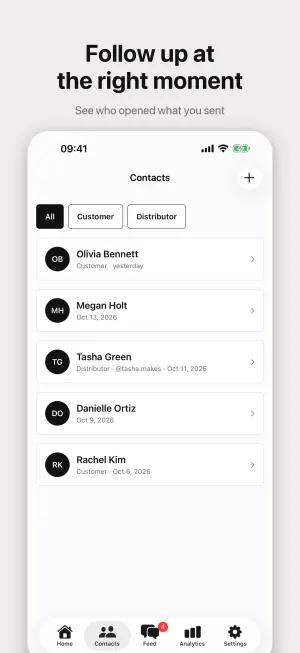
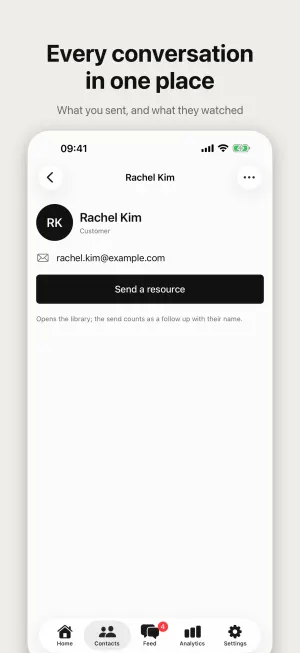
Every share goes out as a link with a clean preview card. See when it was opened, and for videos, how much they watched. Follow up at the right moment.
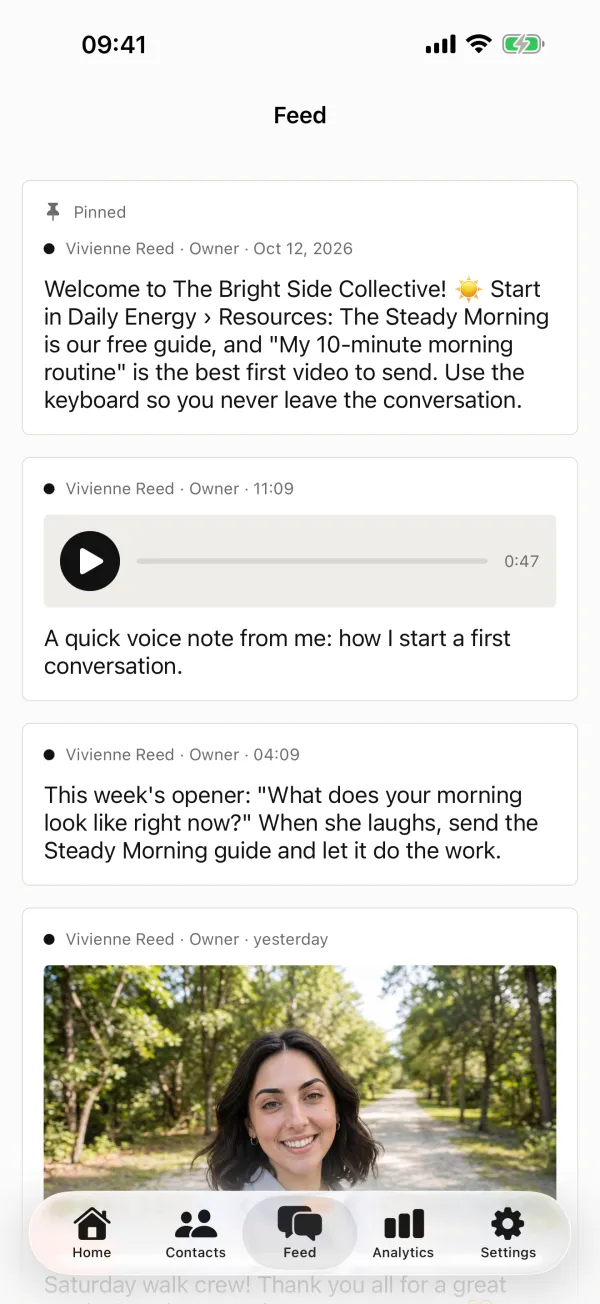
Team
Stay in step
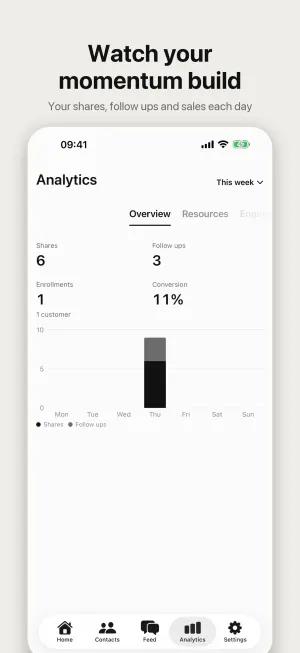
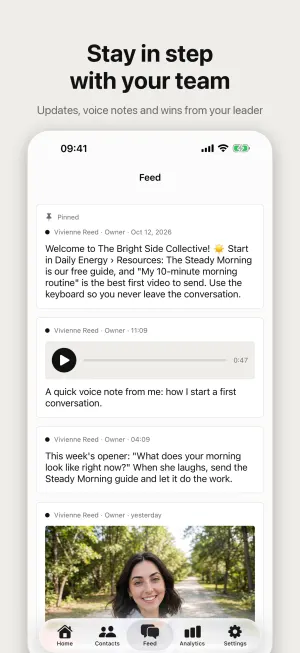
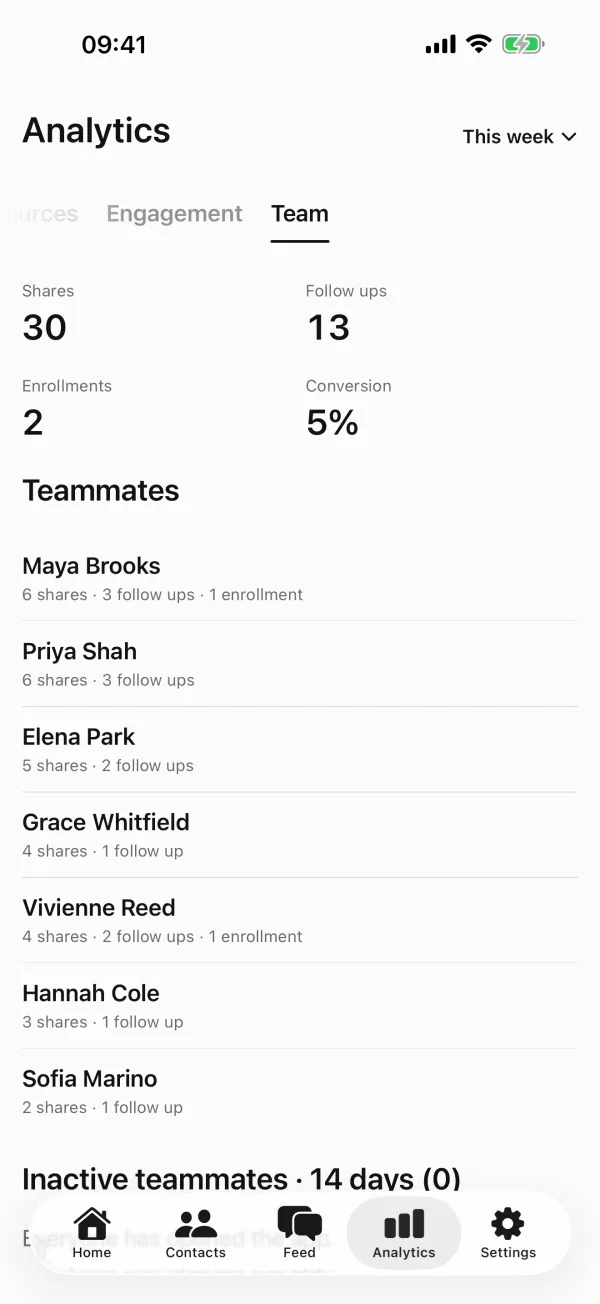
Daily activity goals, a team feed with updates and voice notes from your leader, and a simple view of your shares, follow ups and conversions each week.
For team leaders
Build the playbook once. Watch it work.
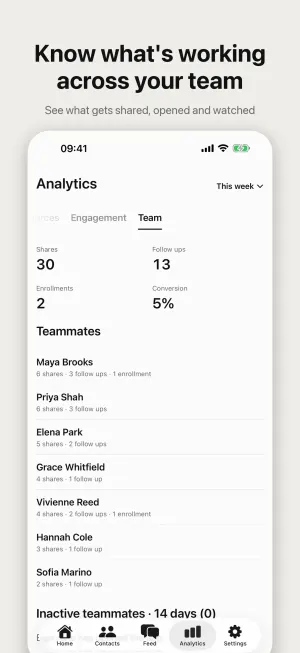
Set up your team's playbook, invite your team with a link, and see what gets shared, opened and watched across the team.
Talk to us about setting up your team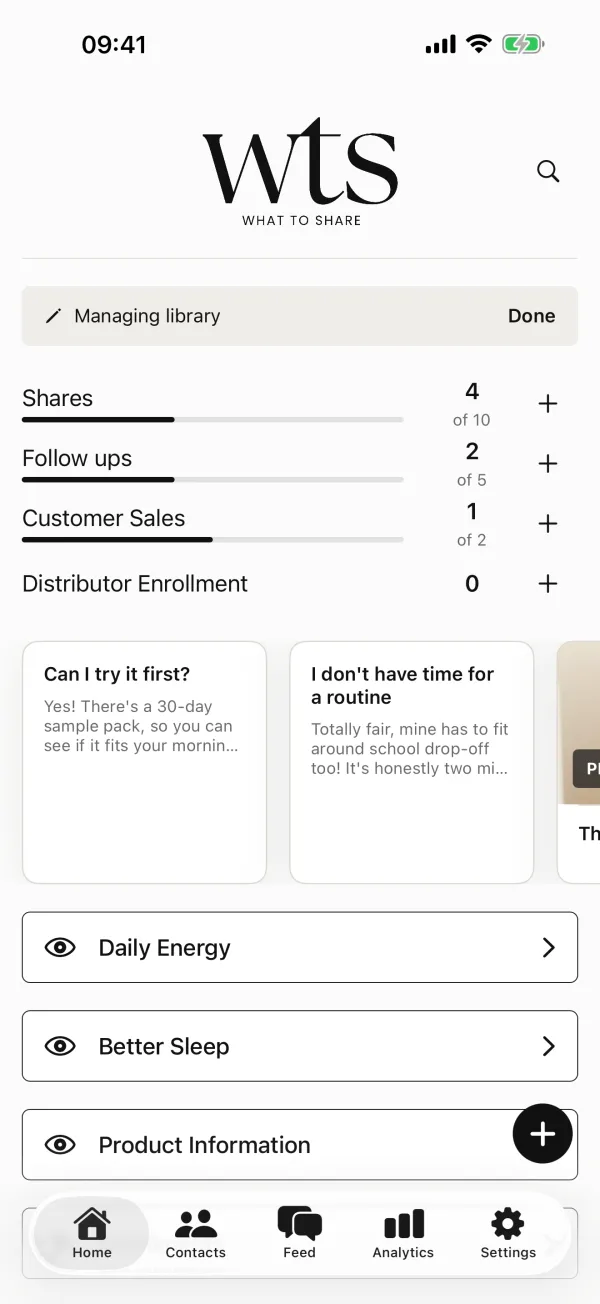
How it works
Three steps to your first share
Subscriptions. WTS is free to download. Joining a team requires a subscription, billed through Apple, Google Play or our website, wherever you buy it. It renews automatically each month until you cancel. On an iPhone, cancel at least 24 hours before the end of the period. Manage or cancel it where you bought it. The details are in the Terms.